You’ve probably sat through a class where the teacher’s voice became white noise somewhere around slide four.
Kids haven’t changed that much. The problem is the method. And there’s now enough classroom data, enough honest teacher feedback, and enough cheap hardware to say something concrete about what’s actually moving the needle.
This isn’t a pitch for any specific platform. It’s a breakdown of what gamification and immersive tech genuinely do to learning outcomes, where they fall apart, and how a teacher with a modest budget can start on Monday.
The “engagement cliff” is real, and it hits hardest in middle school
If you’ve taught or parented a child between ages 11 and 14, you already know something drops off. Intrinsic motivation for schoolwork falls sharply during these years, and it’s been documented consistently enough that researchers now call it the middle school engagement cliff.
The cause isn’t laziness. It’s a mismatch.
Students at this age are developmentally wired for novelty, social feedback, and immediate reward. Traditional classroom structures offer none of those things. A worksheet offers zero novelty. A red grade at the top offers feedback weeks too late to change behavior.
Gamification targets this gap directly. Points, progress bars, unlockable content, and team-based competition are all mechanisms that provide immediate feedback loops. The content itself doesn’t have to change. The scaffolding around it does.
What this looks like in practice: A 7th-grade social studies teacher replaces a unit review sheet with a Kahoot quiz. Same 20 questions. The engagement difference is visible within 30 seconds of starting.
What “gamification” actually means (and what it doesn’t)
This term gets stretched to cover a lot of ground. Before deciding what to try, it helps to split it into three categories:
| Type | Description | Example tools |
|---|---|---|
| Surface gamification | Points, badges, leaderboards bolted onto existing content | Kahoot, Quizlet Live, ClassDojo |
| Structural gamification | The entire course or unit is designed as a game with progression | Classcraft, 3D GameLab |
| Deep gamification | Students learn by building games or simulations themselves | Scratch, Roblox Education, Minecraft Education |
Surface gamification is the easiest entry point and genuinely raises short-term engagement. But the research is pretty clear that it doesn’t do much for long-term retention or deeper understanding on its own. The leaderboard fades, and so does the motivation.
Structural gamification is more durable. When the whole unit feels like a quest, students stay curious about what comes next. The downside is setup time. A well-designed gamified unit takes far longer to build than a conventional one.
Deep gamification, where students actually make something playable, is the highest-effort and highest-reward tier. Students who build a Scratch simulation of the water cycle understand it at a different level than students who watch a video about it. The creation process forces them to understand the system well enough to model it.
Where VR and AR actually help retention
The honest answer is: not everywhere.
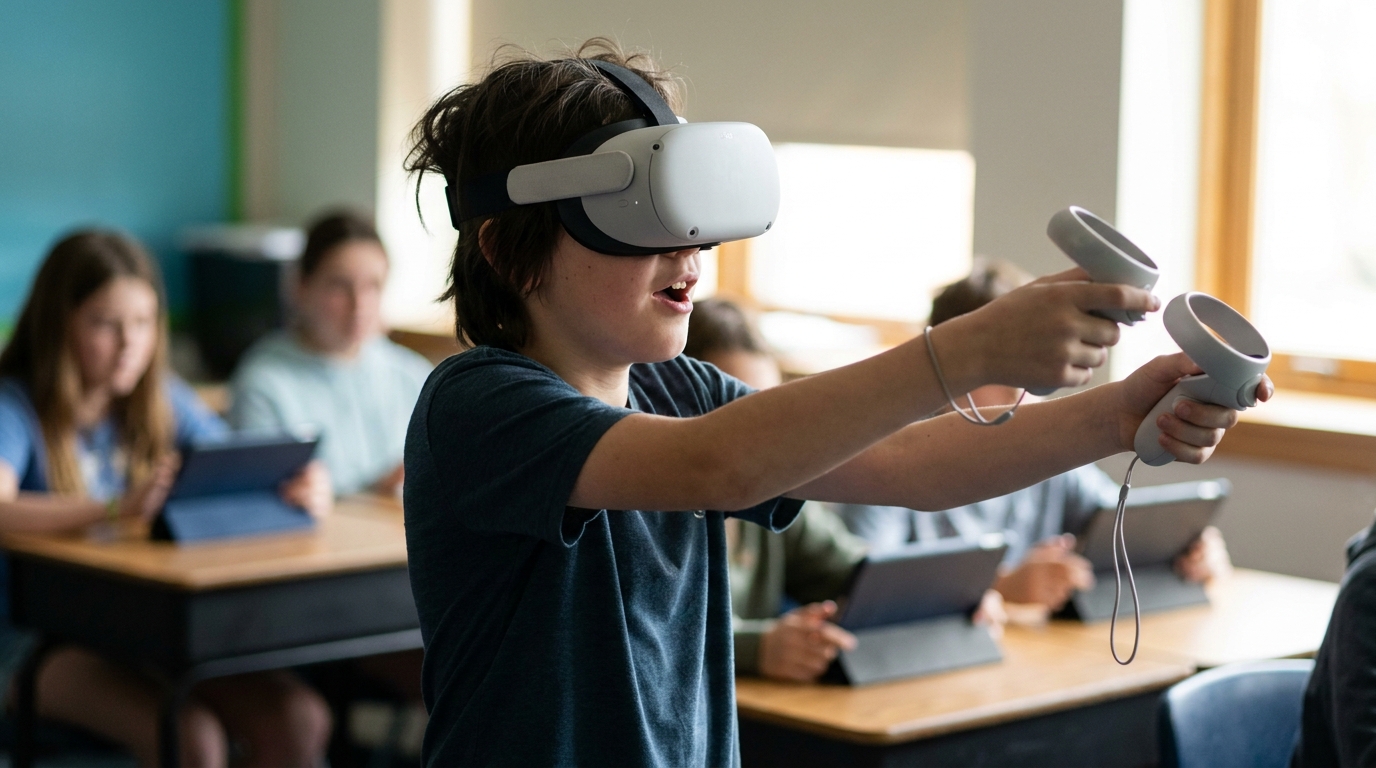
VR headsets aren’t magic. Putting a student in a virtual environment doesn’t automatically produce learning. The research that shows strong retention gains from immersive experiences consistently involves one specific condition: the student has to do something in that environment, not just observe it.
Passive VR, watching a 360-degree video of the ocean floor, produces about the same retention as watching a high-quality documentary. Maybe slightly more novelty-driven engagement, but not significantly better recall a week later.
Active VR, where a student has to interact with the environment to solve a problem or complete a task, is a different story.
The mechanisms that appear to drive retention in active VR:
- Embodied cognition: When your body is physically involved in an action (even virtually), memory encoding is stronger. Students who “walk through” the Roman Forum in VR and answer questions about what they see recall more detail than students who study a map.
- Failure tolerance: VR environments let students fail without social embarrassment. A student who hesitates to answer a question in front of 28 peers will try repeatedly in a private VR sim. Repeated low-stakes attempts build skill faster than single high-stakes evaluations.
- Context cues: Memory research consistently shows that the environment at retrieval matters. Students who learned something in an immersive environment show better recall when they’re given environmental cues from that setting. VR creates a distinctive enough context to leverage this.
The low-budget implementation guide
Here’s where most articles on this topic stop being useful. They describe expensive setups that most schools can’t fund.
Let me give you what actually works at different budget levels.
Under $500 for the whole classroom
Google Expeditions / Google Arts & Culture + cardboard viewers
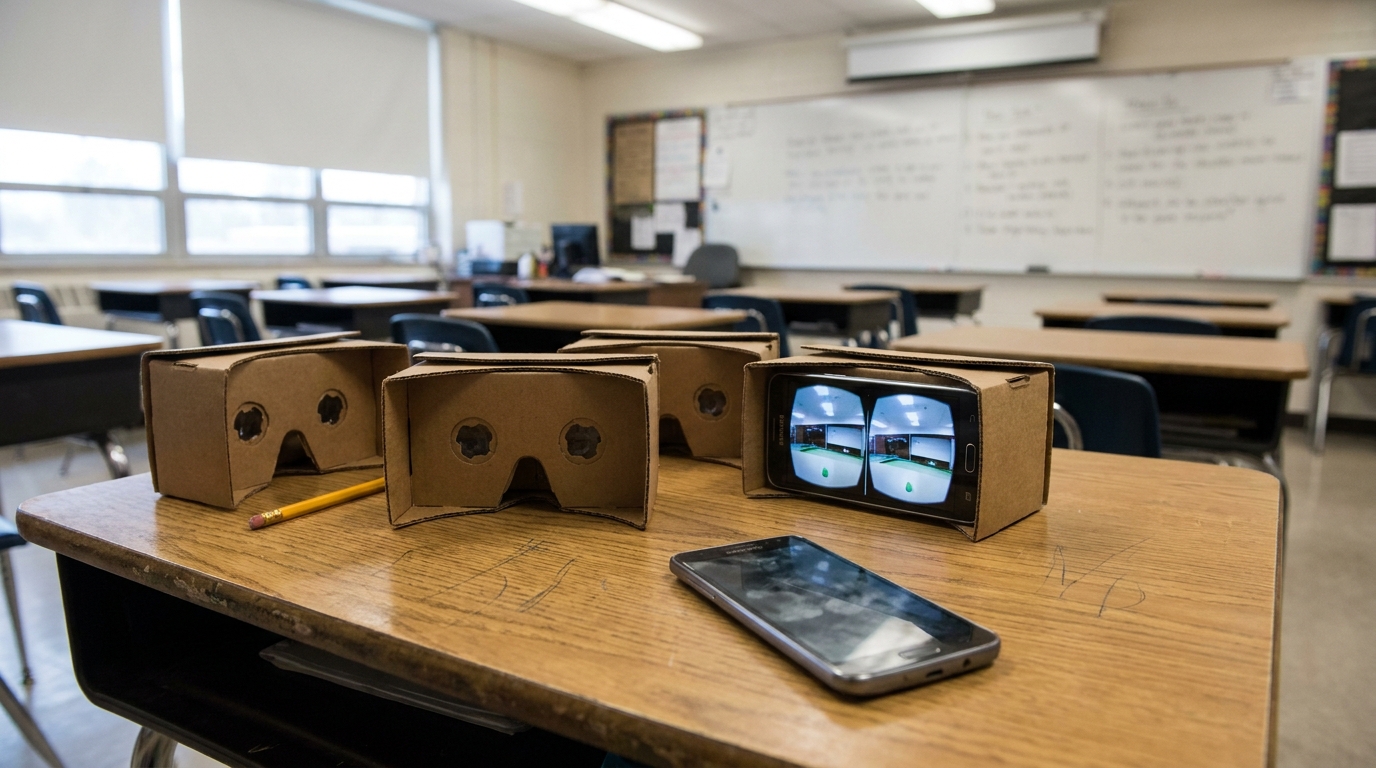
Google Cardboard viewers cost around $5-10 each. Students use their own smartphones or a classroom set of cheap Android devices. Google Arts & Culture has hundreds of immersive tours of historical sites, museums, and natural wonders that are genuinely well-produced.
This isn’t “true VR” by any hardware definition, but it’s immersive enough to shift engagement, and it costs almost nothing.
Pair it with a structured observation worksheet. Don’t just let students look around. Give them specific things to find and questions to answer while they’re in the environment. That’s what separates the active-VR retention gains from the passive-VR “oh neat” response.
Minecraft Education Edition
$5 per student per year on an institutional license. There are pre-built worlds for topics from chemistry to historical architecture to programming fundamentals. The orbital mechanics world, where students have to correctly adjust a spacecraft’s trajectory to enter orbit around Mars, teaches the concept more viscerally than any diagram.
The catch: students need at least one class period to get comfortable with the controls before the academic content lands. Don’t skip that acclimation session.
Kahoot + Blooket for review loops
Free at the base level. Kahoot you already know. Blooket deserves more attention. It adds game modes where students earn in-game currency and can use it to sabotage opponents, which sounds chaotic but creates the kind of emotional investment that makes vocabulary stick. I’ve watched students voluntarily review terms they got wrong because losing in Blooket actually stings a little.
$500 to $5,000: a small headset program
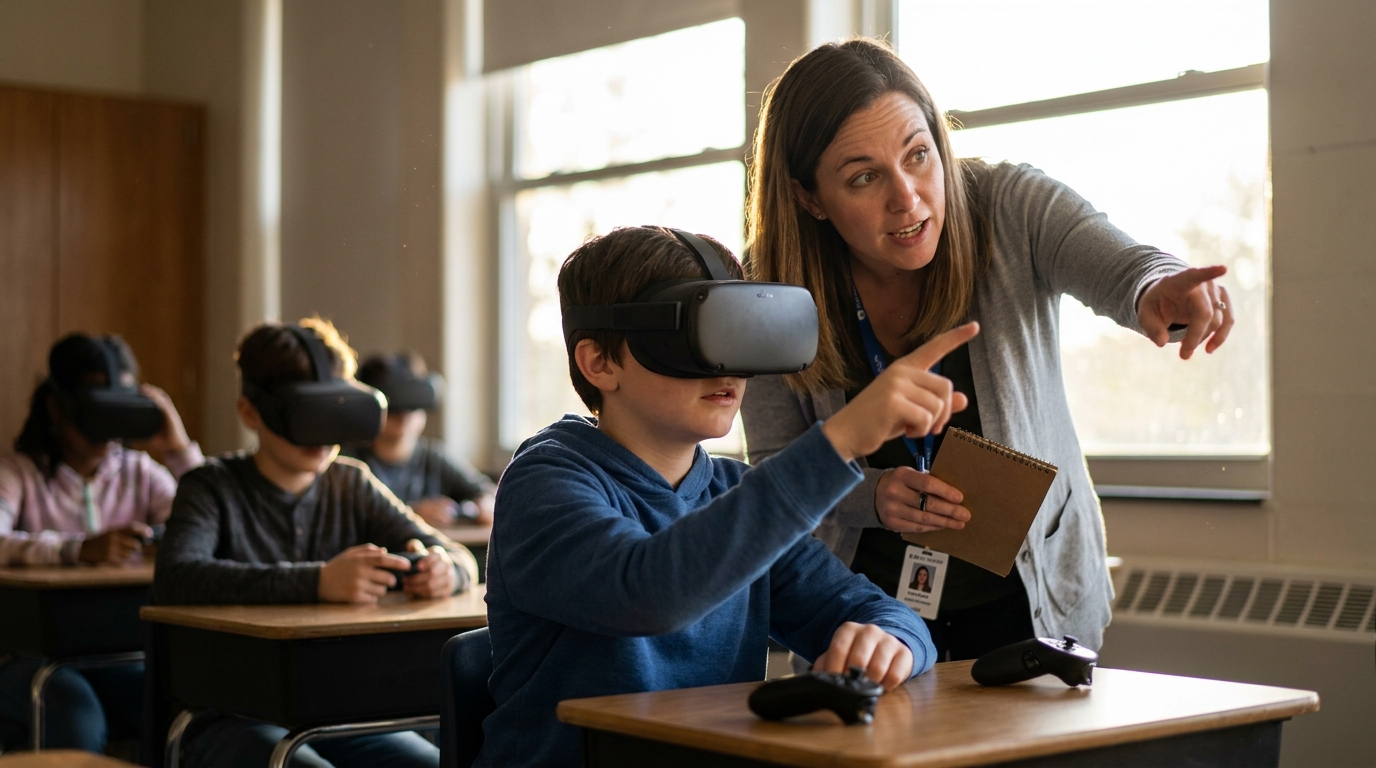
One Meta Quest 3S headset costs around $300. For $2,000 to $3,000 you can get a rotating classroom set of 6 to 8 headsets that a department can share.
This is the sweet spot for a pilot program. Six headsets lets you run a station rotation model where one group is in VR while others work on traditional tasks. You don’t need a 1:1 headset ratio to get the benefit.
Apps worth deploying at this tier:
- Immersive VR Education (Engage): historical recreations including ancient Rome and the Apollo missions
- Labster: virtual science lab simulations, particularly useful for schools without proper lab facilities
- CoSpaces Edu: students build their own VR and AR environments, putting it in the “deep gamification” tier
Pro tip: The biggest implementation failure I see at this budget level is treating headsets as an end-of-unit reward instead of an integrated tool. “You can use VR if you finish the worksheet” signals to students that VR is playtime and worksheets are the real work. Integrate the headset session into the learning sequence as a step, not a prize.
AR without a headset: the underrated option
You don’t need AR glasses to do augmented reality in a classroom. Most AR apps work with a standard tablet or phone camera.
Merge Cube ($25 for a foam cube) works with dozens of apps to let students hold a virtual object in their hand, a human heart, a 3D molecular model, a historical artifact, and rotate it. The haptic experience of physically holding and turning something isn’t nothing. It changes the interaction with the content.
Google’s Science Journal app (free) turns a tablet into a data-collection device with accelerometer, sound level meter, and light sensor. Students collect real data from real environments and analyze it. It’s AR in the sense of merging digital tools with a physical context, and the data-literacy skills it builds are genuinely transferable.
The common misconception I’d push back on
Most teachers assume gamification is primarily about motivation.
It’s not. Or at least, that’s the smaller part of what it does.
The bigger effect is error correction speed. A student who gets a question wrong in a gamified quiz knows within three seconds. They see the correct answer. They’re often given another chance to get it right before the round ends. That’s spaced repetition compressed into a single class period.
Traditional homework assigns 20 problems, students complete them, and then learn which ones were wrong two days later at the next class. The feedback loop is so slow that the error has no emotional weight by the time it’s corrected. In a live Blooket session, losing a round because you got the definition of photosynthesis wrong is an immediate, mildly painful experience. That mild pain is encoding the correct answer more deeply than any gold star would.
This reframe matters for how you deploy these tools. The point isn’t to make class feel like a video game. The point is to compress the feedback cycle.
The failure modes to avoid
These are the patterns that cause gamification and VR pilots to get abandoned after one semester.
1. No connection to the gradebook
Students are rational. If a game has no bearing on their grade, most of them will optimize for winning the game rather than learning the content. The game has to connect to something that matters. This doesn’t mean grading participation in Kahoot. It means using game performance data to inform a quiz, a reflection, or a portfolio entry.
2. Teacher as spectator
When a class puts on headsets, teachers often step back and let the tech do the work. The teachers who get the best outcomes are circulating, asking probing questions in real time, and pausing the session to surface what students are noticing. The technology creates an experience. The teacher creates the meaning.
3. One-and-done deployment
A single VR session about ancient Greece is a field trip. A sequence of three VR sessions about ancient Greece, each one building on the last and connected by in-class discussion, is curriculum. The difference in retention is substantial.
4. Skipping the debrief
Whatever students experienced in an immersive environment needs a 10-minute structured debrief where they articulate what they saw, what surprised them, and what questions it raised. Without the debrief, the experience stays as a memory of a thing that happened rather than knowledge that transfers.
A classroom case worth looking at closely
This is a composite of patterns I’ve seen work consistently, not a single dramatic story.
A middle school science teacher with no tech budget starts with Blooket for vocabulary review. Students start doing better on unit quizzes, specifically on term definitions. The teacher notices something: the students who played Blooket most aggressively, even the ones chasing points rather than studying, performed better than those who reviewed with flashcards.
That data point gets the department head’s attention.
The school approves a $2,400 purchase of eight Meta Quest headsets. The teacher uses Labster for a unit on cell biology, a topic that’s notoriously abstract because students can’t see or interact with what they’re learning about.
After two years of running cell biology with a mixed gamification and VR model, the teacher compares unit test averages against the three years prior. The difference isn’t enormous. It’s about 8 to 12 percentage points on average. But the improvement is consistent, and it’s largest for the students who previously struggled most.
That’s not a miracle. It’s a feedback loop that works better than the previous one.
Where to start if you’re a teacher reading this
Don’t start with hardware. Start with a single feedback loop.
Pick one unit. Pick one review activity. Replace your standard review method with Blooket or Quizlet Live for a single cycle. Watch how students behave differently. Look at what the data shows about which terms or concepts they’re still missing going into the assessment.
Once you’ve seen that a tighter feedback loop changes behavior, the case for investing in deeper implementation, and maybe eventually some hardware, is something you can make from your own experience, not from an article.
The students who are “checked out” in your class usually aren’t incapable. They’re under-stimulated and under-informed about their own progress. These tools fix the second problem first, which often turns out to fix the first problem too.